Generative AI tools are now converting UI designs and natural-language prompts directly into production-grade front-end code.
Firms using these tools report up to 2× developer productivity gains.
Gartner predicts that by 2028, 90% of enterprise engineers will use AI code assistants.
Emerging frameworks like ScreenCoder and DesignCoder offer self-correcting, visual-to-code pipelines.
To lead: assess your current stack, pilot AI-driven design-to-code, and build governance + review workflows.
In 2025, one of the most disruptive shifts in software engineering isn’t just faster servers or a more scalable cloud; it’s the way we build the front end.
Imagine a world where designers sketch UI ideas in Figma, or even write a prompt like, “I want a dashboard with cards, charts, and a sidebar,” and an AI instantly produces working React (or HTML/CSS) code. That’s not hypothetical, it’s real, and it’s accelerating.
This “design-to-code” wave isn’t just about speed. It’s about breaking down the silos between designers and developers, democratizing prototyping, and letting teams focus on high-impact logic instead of repetitive front-end plumbing. This reflects a broader shift toward collaboration between AI coding assistants and human developers, where AI handles repetitive development work while engineers retain responsibility for architecture, quality, and critical decisions. But it also introduces critical trade-offs: reliability, maintainability, and trust in AI outputs.
In this article, you’ll get a clear, senior-leader–level view of how AI-driven design-to-code tools are shaping the future of front-end development, where we are now, what’s emerging, and how to lead this transformation in your organization.
Current Landscape & Challenges
The Present Reality
AI is already embedded across the software development lifecycle, changing how teams approach AI-powered software development from design and coding to testing and deployment.
By 2028, Gartner predicts that 90% of enterprise software engineers will be using AI code assistants.
Meanwhile, McKinsey’s research backs up real-world productivity gains: their lab found that developers using generative AI completed tasks like writing code, refactoring, and documentation in nearly half the time compared to those without AI.
The Missing Link
Despite these advances, there’s a gap. Most AI adoption still centers on back-end logic, boilerplate, or code completion, not converting visual design into production-grade UI.
Designers and developers are still forced through traditional handoffs: pixel-perfect mockups shared via Figma or Sketch, manual developer translation into code, and repeated design reviews.
This costs time, introduces friction, and often leads to mismatches between design intent and final implementation.
That’s where the promise of true design-to-code, powered by multimodal generative AI, becomes a game-changer.
Core Insights & Frameworks
Here are key insights leaders should internalize as AI-driven front-end tools mature.
1. AI as a Creative Co-Designer, Not Just a Typist
Insight: Modern AI isn’t just auto-completing code; it’s generating complete UIs from prompts or images, expanding the practical applications of generative AI development across software and product development workflows.
Example/Analogy: Google’s “Stitch” tool (previewed in 2025) lets users upload a sketch or describe interfaces in natural language, and it returns both a polished design and working front-end code exportable to CSS/HTML or Figma.
Data Point:Gartner’s trend report underscores “AI-native software engineering” as shifting developers’ roles from writing boilerplate to orchestrating AI.
Strategic Takeaway: For innovation leaders, the opportunity lies not in replacing designers or engineers, but in elevating their roles to guide, validate, and refine AI-generated UI.
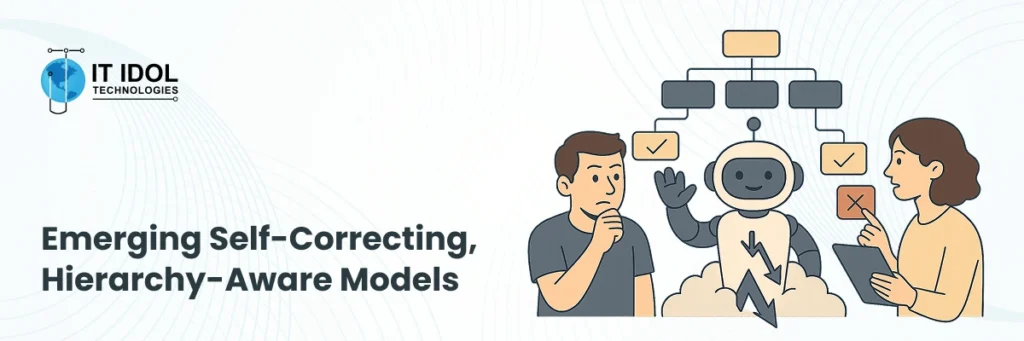
Insight: Next-gen models are learning to understand design hierarchy and self-correct errors, reducing hand quality issues.
Example/Case: Research on DesignCoder, a framework using multimodal large language models, shows how hierarchical “UI Grouping Chains” help maintain UI fidelity and structure. It employs a divide-and-conquer strategy to generate nested components accurately, then self-corrects, generating code to align with design intent.
Data Point: The study reports a dramatic increase in similarity metrics (MSE, SSIM) versus earlier models visual metrics improved by ~ 30–40%.
Strategic Takeaway: These self-correcting models reduce the risk of brittle or buggy code, making AI-generated UI more viable for production settings.
3. Multimodal Agents That Bridge Vision and Code
Insight: Tools are emerging that explicitly decode visual layouts into code by combining vision models + architectural reasoning.
Example:ScreenCoder, introduced in 2025, is a modular multi-agent system: a vision agent detects UI components, a planner agent builds a layout hierarchy, and a generation agent synthesizes HTML/CSS.
Data Point: The paper’s experiments show strong improvements in layout accuracy and structural coherence vs end-to-end black-box methods.
Strategic Takeaway: For product leads, such frameworks offer a way to scale front-end without sacrificing design system consistency and maintainable structure.
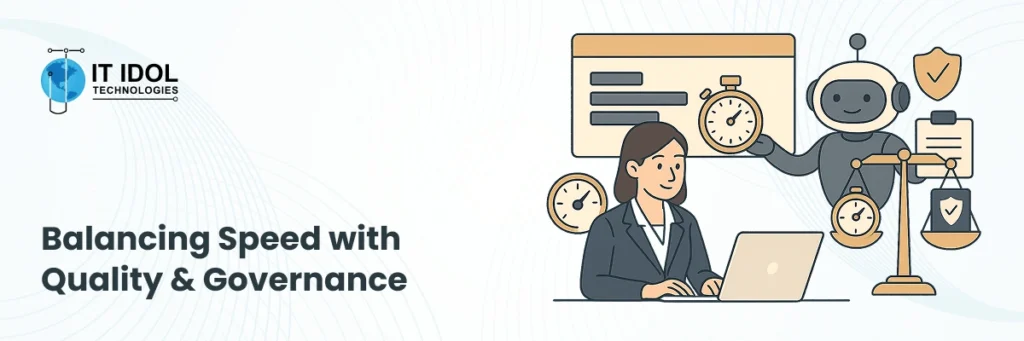
4. Balancing Speed with Quality & Governance
Insight: Even as teams race to adopt AI design-to-code, trust, validation, and governance remain sticking points.
Example: In the developer community, some teams report that AI-powered velocity comes at a cost. “Monkey-patching,” architecture drift, and technical debt in AI-assisted development are common pain points when code reviews aren’t rethought.
Data Point: The Stack Overflow Developer Survey (2025) notes 84% of developers use or plan to use AI, but 46% don’t trust AI-generated code accuracy.
Strategic Takeaway: Leading firms must put guardrails in place, code review rules, human-in-the-loop validation, and architectural review to ensure quality and long-term maintainability. AI-driven software testing can also help teams validate AI-generated code more systematically as development workflows become increasingly automated.
Future Outlook: Emerging Trends (2026–2028)
AI-native internal dev platforms will surge: According to Gartner, by 2027, 70% of internal dev teams will embed gen-AI capabilities in their platform engineering frameworks.
Open, customizable GenAI models will grow in share: Gartner forecasts that 30% of GenAI spending by 2028 will go to open-source models tailored for domain-specific tasks like UI generation.
Self-correcting multimodal UI agents become mainstream: As research from DesignCoder and ScreenCoder matures, these systems will likely go from academic prototypes to enterprise tools, raising the bar for production readiness.
Actionable Takeaways: Leadership Framework
Here’s a high-level model (Assess → Prioritize → Implement → Measure → Evolve) to operationalize design-to-code in your organization:
1. Assess
Audit current design-to-development handoff bottlenecks.
Identify design systems or UI libraries that can benefit from AI translation.
2. Prioritize
Choose pilot teams (UX + front-end) to run experiments with multimodal AI tools like ScreenCoder or DesignCoder.
Define success metrics: time saved, code quality, design fidelity.
3. Implement
Set up a workflow with human-in-the-loop validation (designers + engineers jointly review generated UI).
Integrate into your CI/CD or internal dev platform. For organizations adopting these workflows at the product level, a broader product engineering approach can help align AI-assisted development with architecture, testing, scalability, and long-term product requirements.
4. Measure
Track developer productivity (e.g., time to UI prototype, bug rates, review cycles).
Collect feedback from designers on design fidelity and from engineers on maintainability.
5. Evolve
Scale the pilot to other squads once validated.
Build governance: design rules, patterns, and review rituals for AI-generated code.
Invest in training: prompt engineering, design-to-code literacy.
Conclusion
AI-driven design-to-code tools are not a curiosity; they’re quietly becoming foundational to how modern teams build front ends. When done right, they don’t replace designers or developers. They empower them.
If you’re leading a product, engineering, or innovation team, now is the moment to pilot these tools, build governance, and shape how your organization weaves AI into its front-end DNA. What if the real value lies not in writing more code but in thinking more creatively, validating more firmly, and shipping more confidently?
Design-to-code refers to AI tools that convert visual interface designs (e.g., wireframes, mockups) or natural-language prompts into working front-end code like HTML, CSS, JavaScript, or React.
According to McKinsey, generative AI can halve the time spent on routine tasks (like code documentation, boilerplate, and refactoring), freeing up developers to focus on strategic work.
Emerging frameworks like ScreenCoder and DesignCoder are specifically built for production fidelity, using hierarchical modeling, self-correction, and architecture-aware techniques.
Trust remains a challenge: a recent survey found that 46% of developers don’t fully trust AI-generated code’s accuracy. Human review and governance are essential.
Vibe coding is a newer paradigm (coined in 2025) where the developer gives high-level, natural-language instructions to an LLM, accepts its generated code, tests it, and iteratively refines it, often without manually reviewing every line.
Gartner predicts that as AI becomes pervasive, developers’ roles will shift from writing boilerplate to orchestrating AI, focusing on problem-solving, design intent, and system-level thinking
Unlikely. AI augments, not replaces. Developers still craft business logic, system architecture, and complex interactions. AI handles repetitive UI scaffolding.
Begin with a pilot: pick a small, cross-functional team; define success metrics (speed, code quality, design match); institute review and governance; then scale once results validate.
Deval Rathod
Founder & CEO
|
Deval Rathod is the Founder and CEO of IT IDOL Technologies, a custom software development company. With over a decade of experience in software engineering, solution architecture, and technology leadership, she has worked across custom software development, enterprise applications, AI & ML, and digital transformation. Her expertise includes guiding technology teams, designing scalable software solutions, and helping businesses evaluate and implement emerging technologies. She contributes insights on software engineering, artificial intelligence, enterprise technology, and digital transformation.